
.webp)
Double Opt-In vs Single Opt-In for Email Forms


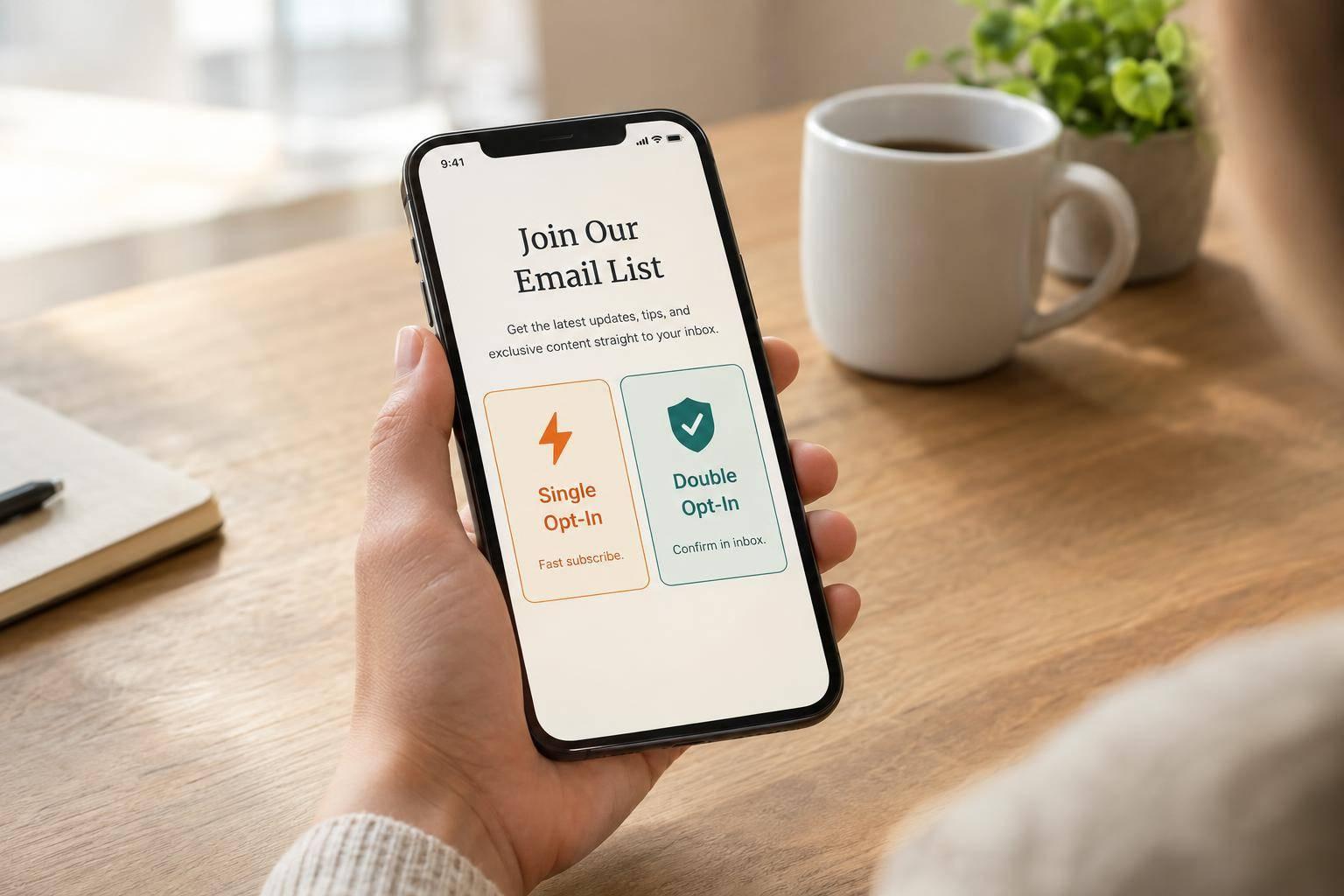
My rule: use single opt-in for fewer signup steps and double opt-in when inbox verification matters more. Single opt-in activates a subscription after form submission; double opt-in waits for an emailed confirmation click.
For SaaS forms, I keep demo requests, trial setup, and downloads separate from optional marketing consent. These are SaaS landing page essentials that ensure a focused user experience. Neither signup method replaces regional legal checks, consent records, or unsubscribe controls.
Quick Comparison
| Factor | Single opt-in | Double opt-in |
|---|---|---|
| Signup steps | 1: submit the form | 2: submit, then confirm by email |
| Activation | After submission | After confirmation |
| Inbox access | Not verified | Verified by the confirmation click |
| Consent records | Submission and stated purpose | Submission, stated purpose, and confirmation |
| Main trade-off | Less friction; more bad-address risk | More verification; some signup drop-off |
| Setup | Validation and suppression controls | Those controls plus pending status, confirmation links, and resends |
<u>I judge success by creating high-converting lead forms that prioritize qualified leads over list size.</u> Compare both flows over 30 or 90 days, tracking delivery, complaints, unsubscribes, and customers per 100 visitors. With Reform, pass consent fields to connected systems and let the email platform handle confirmation before marketing begins.

Single Opt-In vs Double Opt-In: Flows and Trade-Offs
Double Opt-in vs Single Opt-in, Which is Better? | FSC Ep 82
sbb-itb-5f36581
Single vs Double Opt-In: Benefits and Risks
Single opt-in speeds up signup but leaves more room for bad addresses and signups without permission. Double opt-in adds verification, along with drop-off and setup work. The difference goes beyond the signup step: each flow affects consent records, list quality, and email delivery.
Validation catches bad syntax and domains, but it does not prove inbox access.
Single Opt-In: Lower Friction, Higher Risk
Multi-step forms reduce friction compared to single-step ones, but single opt-in removes steps, but your form controls carry more of the risk. A submitted address alone proves neither ownership nor permission for recurring marketing email. Keep requested demo or resource delivery separate from consent to recurring promotional emails.
| Benefit | Risk | Practical control |
|---|---|---|
| Fewer steps and faster access | Typos cause bounces or send emails to the wrong person | Inline syntax checks, domain checks, correction prompts, and hard-bounce suppression |
| More completed signups | Bots and scripted traffic can inflate signup counts | Rate limits, bot detection, CAPTCHA or equivalent controls, honeypots, and source monitoring |
| Larger apparent list | Spam traps and bad addresses can hurt sender reputation | Suppression lists, abuse screening, bounce monitoring, and source-level investigation |
| Faster SaaS lead capture | Someone can submit another person’s address without permission | Clear consent language, unchecked marketing choices, and confirmation for higher-risk flows |
| Simple automation | A submitted address can be mistaken for a qualified or active lead | Report submitted, valid, engaged, and qualified leads separately |
A new submission should never override an unsubscribe or complaint suppression. Assess disposable and role-based addresses based on your audience. A technically valid address isn’t automatically a useful SaaS lead.
These controls reduce risk. They don’t replace consent records or regional compliance checks.
Double Opt-In: Inbox Verification and Drop-Off
Record the confirmation timestamp, event identifier, and confirmed purpose. Confirmation proves inbox access and intent, but it doesn’t guarantee legal compliance or prevent abuse.
| Benefit | Cost or limitation | Setup need |
|---|---|---|
| Fewer mistyped and unconfirmed addresses on the active list | Some interested visitors don’t confirm | Pending/active states |
| Stronger evidence of mailbox access and intent | Confirmation adds time and friction | Secure, expiring tokens |
| Less exposure to some bot signups, spam traps, and signups without permission | Confirmation emails can be missed or delayed | Delivery and resend handling |
| Cleaner engagement reporting | The active list grows more slowly than submissions | Separate funnel reporting |
| Better qualification signal for some SaaS campaigns | Confirmation doesn’t guarantee inbox placement | Delivery monitoring |
Double opt-in provides stronger verification, but clear consent language and suppression handling still matter.
Measure Conversion and Lead Quality
Compare both flows using the same acquisition cohorts and 30- or 90-day follow-up windows. Apply identical bot and duplicate rules, and track submissions separately from confirmations.
If confirmation rates fall short, check delivery, subject-line clarity, mobile usability, expiration, and resend behavior before blaming the opt-in model.
| Metric | Definition and denominator |
|---|---|
| Form completion | Completed submissions ÷ eligible form starts |
| Confirmation | Confirmed subscriptions ÷ submitted addresses, with exclusions stated |
| Hard bounces | Hard bounces ÷ attempted messages |
| Spam complaints | Complaints ÷ delivered emails |
| Unsubscribes | Unsubscribes ÷ delivered emails |
| Qualified-lead rate | Leads meeting a fixed qualification rule ÷ submitted leads; also report per active lead |
| Pipeline per submitted lead | Attributed opportunity value ÷ submitted leads |
Consent Records and Regional Email Rules
Opt-in is a compliance decision, not just a conversion decision. Double opt-in isn't required by law everywhere. The rules depend on the recipient's location, the message's purpose, and your relationship with the recipient. Use those factors to choose your consent records and form flow.
U.S. CAN-SPAM, EU Rules, and Canadian CASL
Separate what the law requires from how you'd prefer people to sign up. GDPR requires a lawful basis, while national ePrivacy rules usually require prior consent for marketing. Confirming an email address doesn't replace those requirements. Check the country's current rules before launching.
Here's what each market requires for consent, records, and unsubscribe handling.
| Region | Consent requirements | Records to retain | Message and unsubscribe rules |
|---|---|---|---|
| United States | CAN-SPAM generally doesn't require prior opt-in for commercial email, but other applicable rules may require consent. | Keep the source, wording, timestamp, purpose, opt-out history, and suppression status to support permission management. | Use truthful sender information and subject lines, a valid physical postal address, and a clear opt-out. Honor opt-outs within 10 business days, and keep the mechanism working for at least 30 days after sending. |
| European Union | GDPR requires a lawful basis. Consent must be freely given, specific, informed, and provable. National ePrivacy rules generally require prior marketing consent, with limited exceptions for existing customers. | Keep the wording, notice version, affirmative action, timestamp, purpose, and withdrawal history to show that consent was given. | Provide required privacy information, make withdrawing consent as easy as giving it, respect direct-marketing objections, and follow member-state email rules. |
| Canada | CASL generally requires express consent or implied consent under limited conditions. | Record how you obtained consent or the relationship supporting implied consent, including relevant dates and withdrawals. | Identify the sender, provide required contact information, and offer a simple unsubscribe. Honor requests within 10 business days, and keep the mechanism accessible for at least 60 days after sending. |
Canada's implied consent is limited and time-bound. EU exceptions for existing customers also depend on national rules.
Record Consent and Separate Requested Follow-Up
Store records by consent purpose, rather than relying on a subscribed flag. Include the email address or subscriber ID, purpose, wording, notice version, timestamp, source, confirmation event, preference changes, unsubscribe events, and suppression status. These fields support SaaS form routing and marketing qualification. Implementing these fields is a key part of a lead conversions playbook that drives qualified leads.
Restrict access, keep audit logs, and document retention periods. Collect IP addresses or other technical evidence only when lawful and necessary.
Route demos, resource delivery, and transactional messages separately from marketing. Purpose, not label, determines classification. Where consent is required, use an unchecked marketing choice tied to a specific purpose. Sync withdrawals across connected systems before the next promotional send. Use these records and routing rules to guide the form fields, consent capture, and expert form strategies for suppression syncing you build next.
Choose and Build a SaaS Email Form Flow
Match the Opt-In Flow to the SaaS Use Case
Use the region and consent records you’ve already collected to choose a low-friction flow that fits the risk. Let risk - not response speed - guide marketing enrollment. Sales follow-up can run separately.
The table below helps you choose a marketing subscription flow while handling requested follow-up on its own. Don’t activate marketing until the form stores the purpose, source, timestamp, and preference.
| Audience location | Source risk | Response urgency | Records you can store | Suggested workflow |
|---|---|---|---|---|
| U.S., low-risk newsletter or product-update signup | Low | Low | Submission records | Single opt-in with validation and suppression controls |
| High-risk acquisition source | High | Low for marketing | Submission and confirmation records | Double opt-in; keep unconfirmed contacts pending |
| EU/EEA or Canadian recipients | Moderate to high | Low for marketing | Consent and confirmation records | Explicit opt-in for marketing; consider double opt-in when proof or list quality matters most |
| Global or uncertain location | Mixed | High for demos, trials, or resources | Separate request and preference records | Fulfill the request; apply marketing rules based on region and risk |
Apply this policy to each form’s purpose. Account verification and marketing confirmation are separate actions. Completing one shouldn’t silently trigger the other.
| SaaS use case | Message purpose | Suggested flow | Required controls |
|---|---|---|---|
| Demo request | Schedule or qualify a sales conversation | Separate response workflow | Sales handoff; optional, unchecked marketing choice |
| Free-trial onboarding | Provide access and required setup messages | Send required messages only | Separate account verification from promotional subscription |
| Gated content | Deliver the requested asset | Deliver the asset separately; use single or double opt-in for optional nurture | Record the asset request and marketing choice independently |
| Newsletter | Send recurring content | Single opt-in when reducing friction matters and controls are strong; double opt-in when list quality, proof, or international reach matters more | Clear subscription language, unsubscribe handling, suppression handling, and confirmation status if used |
| Global lead form | Handle requests across regions | Requested response plus region-aware marketing routing | Justified region field, localized disclosures, and retained consent evidence |
Once you’ve chosen the flow, turn it into form fields, routing rules, and pending states.
Build Forms and Route Consent With Reform
Use Reform to apply these consent-routing rules. Route demo requests to sales and suspicious submissions to review. Configure fields and integration mappings to pass the marketing preference, consent-text version, submission timestamp, source, and form identifier downstream. Check what each integration stores - don’t assume it records every consent field automatically.
For double opt-in, set up the connected email platform to send the confirmation email and keep contacts pending until they confirm. Prevent duplicate signups from bypassing pending status, and don’t let suppressed contacts reactivate. Keep sales follow-up and resource delivery on separate routes.
Measure confirmation, delivery, and lead quality against those same rules.
Reduce Form Friction and Track Confirmations
State the email frequency in your consent copy. On the thank-you page, clearly separate a completed request from a subscription that still needs confirmation. Use a recognizable confirmation sender, a prominent verification link, and rate-limited resends.
Combine Reform’s real-time analytics and abandoned-submission tracking with downstream confirmation, bounce, complaint, and CRM data. Compare confirmation rate, time to confirmation, and qualified leads by source, region, and device - not just form completions. Track demo bookings or trial activations separately so marketing drop-off doesn’t hide successful requested follow-up.
Conclusion: Balance Consent, Quality, and Conversion
Single opt-in favors speed. Double opt-in verifies inbox access and provides stronger evidence of consent, but some subscribers won’t complete confirmation.
Weigh that trade-off for each audience. Balance consent strength, conversion cost, and list quality against risk and regional rules.
Track qualified opportunities or customers per 100 visitors, along with delivery, complaints, and unsubscribes. Compare like-for-like audiences using the same offer and follow-up timing.
Ask legal or privacy counsel to review the flow against current regional rules. Recheck it when your target regions, traffic quality, or compliance requirements change.
FAQs
Should I reconfirm subscribers when switching to double opt-in?
Yes. When switching to double opt-in, you should ask existing subscribers to confirm again. This helps keep your list compliant and high-quality.
An active, verifiable step - such as clicking a confirmation link - provides proof of consent and confirms that the subscriber can access the email address they provided.
Reconfirming brings your existing list in line with these stricter standards, reduces future spam complaints, and helps you focus on engaged subscribers who have confirmed they want your emails.
How long should I keep unconfirmed subscribers?
Keep records of unconfirmed subscribers for at least 12 to 24 months. This documentation helps show compliance with privacy regulations like GDPR and CCPA by recording how you process data. State the retention period clearly in your privacy notice.
If a user withdraws consent, stop processing their data immediately and remove them from your marketing lists to comply with storage limitation rules.
How can I test opt-in flows without skewing results?
Use real-time analytics to spot friction, such as drop-offs or low consent rates. With built-in A/B testing, test one element at a time: checkbox wording, form layout, or regional messaging. Use sample sizes large enough to produce statistically reliable results.
Reform’s analytics let you track performance and adjust forms based on data while keeping a clear, unchangeable audit trail of each user’s consent.
Related Blog Posts
Get new content delivered straight to your inbox

The Response
Updates on the Reform platform, insights on optimizing conversion rates, and tips to craft forms that convert.




Drive real results with form optimizations
Tested across hundreds of experiments, our strategies deliver a 215% lift in qualified leads for B2B and SaaS companies.
