
.webp)
Top Integrations for Salesforce Marketing Cloud Forms



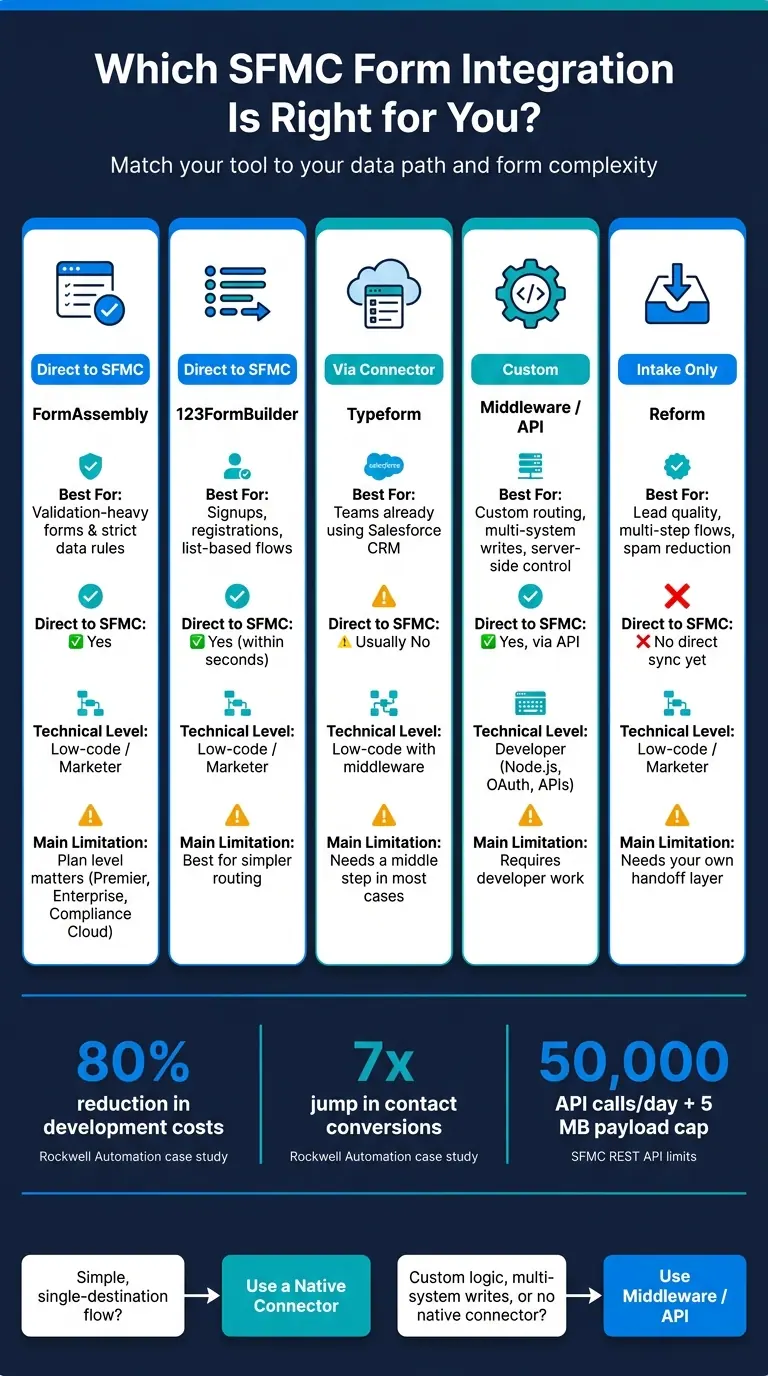
Most SFMC form issues start after the submit click. If you need clean field mapping, route control, spam checks, and the right handoff into lists, data extensions, or Journey Builder, your best path usually comes down to direct connectors, middleware, or a server-side API flow.
Here’s the short version:
- I’d use FormAssembly when form-level rules and validation matter most.
- I’d use 123FormBuilder for list-based signups, registrations, and simple subscriber flows.
- I’d use Typeform only if data already moves through Salesforce CRM or another connector first.
- I’d use middleware or custom API workflows when one submission needs custom checks, data changes, or writes to more than one system.
- I’d treat Reform as a front-end intake layer using multi-step forms to improve lead quality, not a direct SFMC sync option right now.
A few numbers stand out. The article notes that Rockwell Automation cut development costs by 80% and saw a 7x jump in contact conversions after moving to a more controlled form process. It also points out SFMC REST API limits of 50,000 calls per day and a 5 MB payload cap, which matters if you plan to send form submissions server-side.
If you just want the fastest answer: pick a direct connector for simple one-destination flows, and use middleware when the data path gets more complex. Then test field mapping, permissions, spam controls, and journey triggers before launch.
Salesforce Marketing Cloud Form Integrations: Which Tool Fits Your Workflow?
How to Integrate Your Web Form to Data Extensions (Salesforce Marketing Cloud / ExactTarget)
sbb-itb-5f36581
Quick Comparison
| Option | Best for | Direct to SFMC | Main limitation |
|---|---|---|---|
| FormAssembly | Validation-heavy forms and strict data rules | Yes | Plan level matters |
| 123FormBuilder | Signups, registrations, list flows | Yes | Best for simpler routing |
| Typeform | Teams already using Salesforce CRM or connectors | Usually no | Needs a middle step in most cases |
| Middleware / API | Custom routing, multi-system writes, server-side control | Yes, via API | Needs developer work |
| Reform | Intake quality, multi-step form design, spam reduction | No direct SFMC sync today | Needs your own handoff |
So the core question isn’t “Which form tool is best?” It’s “What should happen to the data right after submission?”
Top direct integrations for Salesforce Marketing Cloud forms
For SFMC form workflows, it makes sense to start with native connectors like FormAssembly and 123FormBuilder. They can send data straight into Marketing Cloud. Typeform usually takes a different route and needs Salesforce CRM or an automation connector before the data gets into SFMC.
That leaves you with two main setups:
- Direct SFMC connectors for forms that write straight to Marketing Cloud
- Routed workflows for tools that need a middle step
FormAssembly for data extensions, subscriber attributes, and validation
FormAssembly adds validation and routing at the time of submission, before data reaches Salesforce. It supports Premier, Enterprise, and Compliance Cloud plans.
In plain English, this gives teams more control over what gets through and where it goes. If your team cares a lot about data rules in the form layer, FormAssembly is usually the best fit here.
123FormBuilder for list-based signup and registration flows
123FormBuilder has a native SFMC integration that sends form data to SFMC lists within seconds. It can map submissions to lists and data extensions, including Subscriber Key, and it can trigger autoresponders on submit.
That setup works well for signup forms, event registration, and other list-driven flows where speed and clean field mapping matter.
Typeform via Salesforce CRM or automation connectors
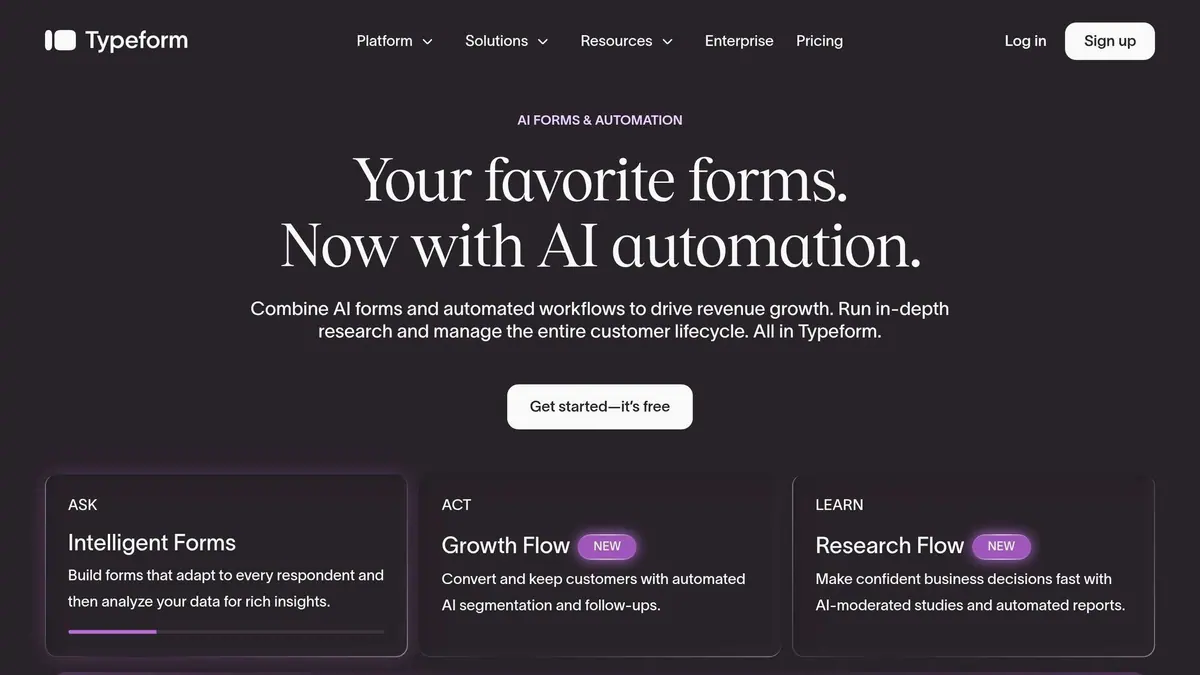
Typeform works a bit differently because it usually gets into SFMC through another system first. In most cases, it reaches Marketing Cloud through Salesforce CRM objects or an automation connector.
So if your team already runs on Salesforce CRM or has middleware in place, Typeform can still fit well. It’s just not usually the direct-to-SFMC option that FormAssembly and 123FormBuilder are.
Middleware and API workflows for form tools without a native Marketing Cloud connector
When a form tool doesn't come with a native SFMC connector, you need something in the middle to pass data from the form to Marketing Cloud. In most cases, that means middleware or a custom API workflow.
This setup matters most for custom forms, landing pages, and any tool that needs a server-side handoff into SFMC.
Webhook-to-Marketing Cloud patterns for custom forms and landing pages
With custom forms, you shouldn't send data straight from the browser to SFMC. Doing that would expose your API credentials, and that's a bad trade.
Instead, use a backend service like Node.js or Python. That service receives the JSON payload, checks it, and then sends the data to SFMC through the API using a valid OAuth 2.0 Bearer token.
At a high level, the flow is simple: the form submits, the backend checks and authenticates the request, and then the data is sent to SFMC.
| Step | What Happens |
|---|---|
| 1. Form submission | User submits; payload includes form data and a hidden form_id |
| 2. Middleware receives | Backend service gets the JSON via POST |
| 3. Validation | Required fields are checked; email format is confirmed |
| 4. Authentication | Middleware gets an OAuth 2.0 token with client credentials |
| 5. API call | POST sent to /connect/form-handler/{form_id}/submit with Bearer token |
| 6. SFMC processing | The handler maps fields and triggers the Journey entry event |
Once that handoff is in place, three details make a big difference.
- Accept POST only. Leaving GET handlers open can invite spam and flood Data Extensions with query-string junk.
- Normalize dates to ISO 8601. Use
YYYY-MM-DDTHH:mm:ss.sssZbefore making the API call. - Add your domain to the SFMC CORS allowlist. Do this under Setup so cross-origin requests can go through.
If your team runs more involved post-submission flows, like onboarding programs or multi-step nurture campaigns, API Event Journeys are often a better fit than simple Triggered Sends. They take more setup, sure. But they give you more room to work.
"As a general rule, when in doubt, lean toward API Event Journeys. They align more closely with Salesforce's future direction [and] integrate seamlessly with Salesforce core." - Tim Ziter, Manager, Cervello
How to choose between native connectors and middleware
Here's the plain-English version: use native connectors when the job is simple. Use middleware when you need custom validation, data transformation, or writes to more than one system.
| Factor | Native Connector | Middleware / API Workflow |
|---|---|---|
| Setup time | Fast (minutes to hours) | Moderate to high (requires coding) |
| Technical skill | Low-code / marketer | Developer (Node.js, OAuth, APIs) |
| Data complexity | Simple, single-object | Complex, multi-object, custom logic |
| Security | Managed by platform | Full control - you own credential handling |
| Monitoring | Built-in SFMC analytics | Custom logs, request IDs, retry logic |
Native connectors are the easy path when you just need data to move from point A to point B. Middleware makes more sense when the form flow needs extra checks, custom routing, or tighter control over how data enters SFMC.
If your main goal is cleaning up submissions before they ever hit SFMC, the next section covers Reform.
Where Reform fits in Salesforce Marketing Cloud form workflows
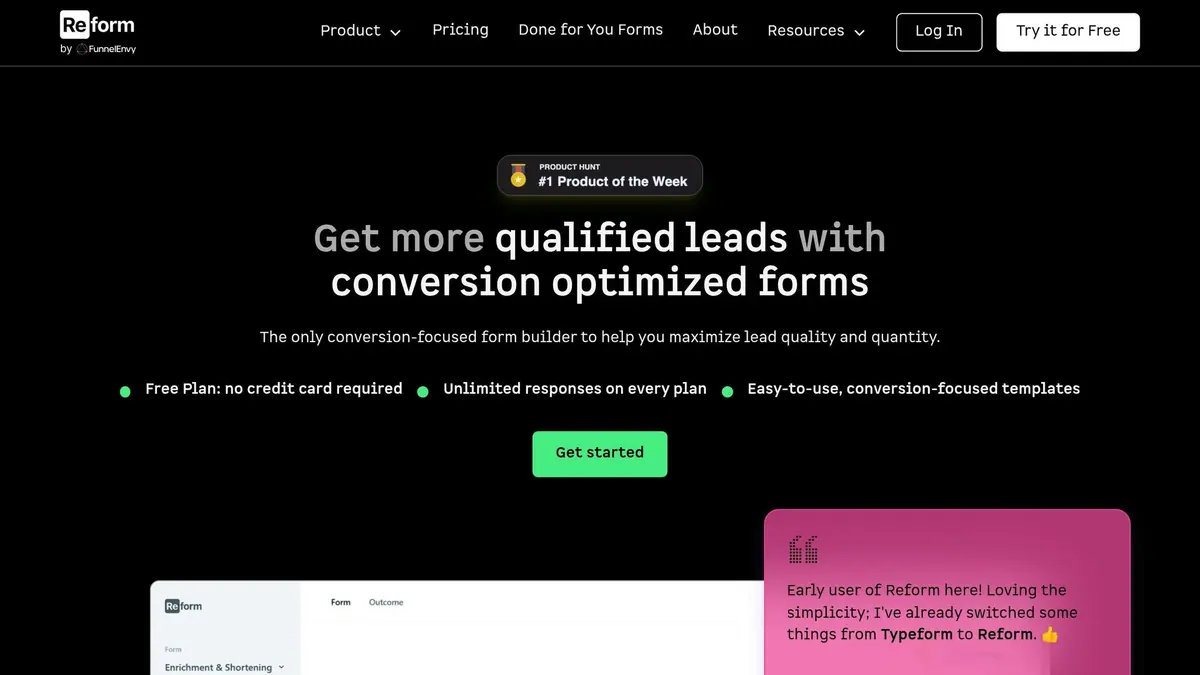
Reform sits one step before the sync layer: the moment a lead fills out a form. Salesforce Marketing Cloud Engagement doesn't come with a native form handler, so this is the stage where data quality either holds up or starts to slip.
Using Reform to improve lead quality before Marketing Cloud sync
Reform works at the intake layer, before submissions move into Marketing Cloud. That helps in four main ways:
- Multi-step forms can cut abandonment.
- Conditional routing hides fields people don't need to see.
- Email validation and honeypot spam checks stop bad data at the source.
- Abandoned submission tracking and real-time analytics show where people drop off, so you can fix weak spots in the flow.
The result is simple: cleaner intake leads to cleaner Data Extensions and more reliable journeys.
Reform's Salesforce connection options and current limitations
Once the form is improving data quality, the next step is getting those submissions into Marketing Cloud.
Reform's Pro plan lists Salesforce as coming soon - it isn't live yet. So, direct sync to SFMC isn't available today. But that doesn't stop you from using it. You can still use Reform as the intake layer, then send submissions to SFMC through your current server-side workflow. That's often the safer setup anyway. It keeps credentials off the client and gives you control over payload normalization before the data reaches Salesforce.
Those gains show up in lower abandonment, better routing, and cleaner records across multi-step flow, conditional routing, and real-time validation.
With the intake layer set, the next move is to launch carefully: map the right list or data extension, check permissions, and test every field.
How to pick the right integration and launch it safely
Once you've picked the intake layer, the next step is deciding where the data should go. Use Subscription Lists for simple opt-in flows. Use Data Extensions for demo requests, more complex datasets, or Journey Builder entry events.
From there, choose the integration path that fits the job. Native connectors make sense for standard field mapping. Middleware works better when you need data transformation or you're working with tools that don't connect natively. Server-side API workflows are the better fit when security is tight, since they keep credentials off the client and let you validate data before anything gets written.
That said, there’s a practical limit here. The REST API allows 50,000 calls per day and a 5 MB payload cap. So server-side workflows are usually best for lower-volume, real-time use cases, not high-volume bulk intake.
Launch checklist for lists, data extensions, permissions, and testing
Before you launch, check the basics first: access, field mapping, and test records.
Make sure the integration user has Read and Write permissions for:
- Lists and Subscribers
- Audiences
- Data Extensions
- File Locations
Field mapping needs extra care. Form field name attributes must match Salesforce field names case-sensitively. One small mismatch can break the whole flow. It’s also smart to add a hidden honeypot field to cut down bot traffic.
Then run a small internal test batch. Confirm records land in the right List or Data Extension before you send live traffic to the form.
Conclusion: Match your integration to your data path and form complexity
The simplest rule is this: match the integration to the data path.
Direct connectors are best for straightforward mappings. Middleware makes more sense when data needs extra handling or when the tool doesn’t have a native connection. And no matter which path you take, getting validation and spam protection right at the form level makes every downstream Marketing Cloud workflow more dependable.
FAQs
When should I use middleware instead of a direct connector?
Use middleware when you need to connect different third-party tools and the data needs to be reshaped along the way. Direct connectors like Marketing Cloud Connect work best inside native Salesforce setups.
Middleware is a better fit for non-Salesforce CRMs or more complex integration needs that native tools can’t handle. That includes cases like bridging file-based transfers and API request limits, even if setup is more involved and costs more.
Should form submissions go to a list or a data extension?
It depends on your goal.
Use a subscription list for regular email marketing campaigns. It comes with built-in opt-in and opt-out features, which makes it a good fit for standard promotional sends.
Use a data extension for transactional emails, like demo requests, order confirmations, or abandoned cart notifications. Data extensions also support more fields, more complex data structures, and Journey Builder workflows.
What should I test before launching an SFMC form integration?
Before launch, test the basics first:
- Field mappings: HTML
nameattributes must match Salesforce field names exactly, including capitalization. - CORS settings: Your allowlist must let submissions come from the external domain.
- OAuth scope: Your credentials need the right permissions for data extensions and subscribers.
It’s also smart to check duplicate prevention before anything goes live. On top of that, confirm that required fields, checkbox values, and date formats are mapped the right way. Small mismatches here can lead to failed submissions, and they’re easy to miss until forms start breaking in production.
Related Blog Posts
Get new content delivered straight to your inbox

The Response
Updates on the Reform platform, insights on optimizing conversion rates, and tips to craft forms that convert.




Drive real results with form optimizations
Tested across hundreds of experiments, our strategies deliver a 215% lift in qualified leads for B2B and SaaS companies.
